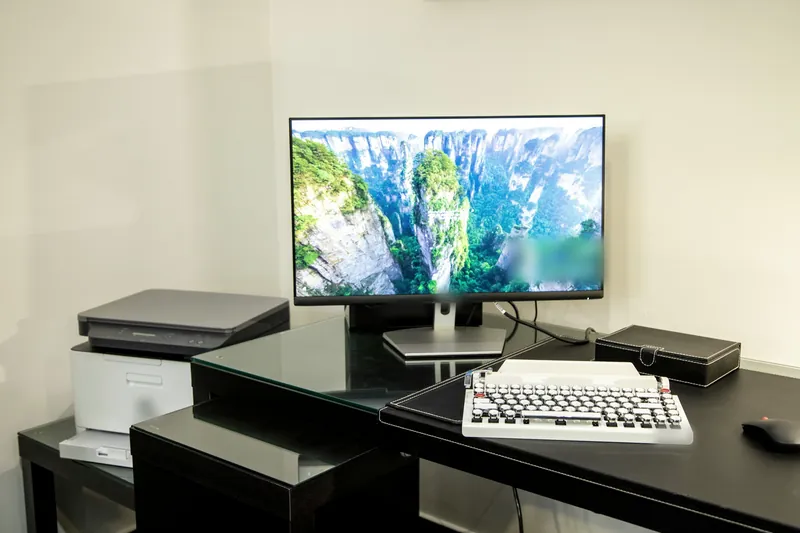
For small offices and teams
Computer and printer support
Everyday equipment diagnosed at your desk and working again.


Service 01 · POS equipment
Terminals, printers, drawers and scanners talking to each other again.
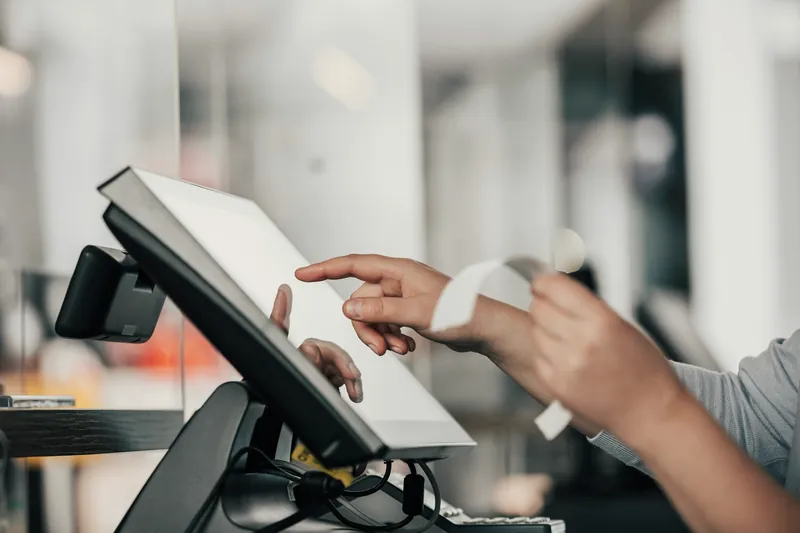
When the point of sale stops, the line at the counter doesn't. Most POS problems sit between the software and the building: a printer that has dropped off the network, a damaged cable, a drawer that no longer gets the signal to open. That's the part we handle on site, alongside your POS provider when a fault touches their software.
Choose what you're seeing to find out what it usually means and what we do about it.
What it usually means
Often paper loaded the wrong way round, an open lid, a loose cable, or a network printer whose address has changed.
What we do on site
We check paper, power and cabling, print a self-test, and make sure the POS is sending to the right printer.
What it usually means
Usually the kitchen printer has lost its connection to the network or the terminal, or the routing to it has changed.
What we do on site
We trace the connection from the terminal to the kitchen printer, reconnect it and test a live order with your staff.
What it usually means
Often a weak Wi-Fi signal at the counter, a worn cable or a pairing that keeps dropping.
What we do on site
We check the reader's connection and the network around it. Anything inside your payment account stays with your provider.
What it usually means
Usually the cable between the drawer and the printer or terminal, or a setting that stopped the kick signal.
What we do on site
We check the cable and the device it's connected to, and test the drawer on a sale.
What it usually means
Often a cable, a USB port or a scanner set up on one station only.
What we do on site
We check the connection and settings, and test scanning at each station.
What it usually means
Often a network change: a power cut, a new router, or a cable knocked loose.
What we do on site
We work back from the terminal through the switch and router, and test with your POS provider if needed.
POS terminals and stations at the counter: power, connections and the devices around them.
Wired and wireless, reconnected and tested.
Connected to a printer or terminal.
Barcode scanners and other devices at the register.
The links your POS, printers and card readers depend on.
Moving and reconnecting equipment, and installing approved replacements.
We work on the hardware and connections around most POS systems: terminals, printers, drawers, scanners and the network. Tell us your POS provider and the equipment involved when you get in touch, and we'll confirm whether we can help before anything is booked.
We can work alongside your POS provider's support team while we're on site. Changes to the POS software or your account are made by them; we handle the equipment and connections.
No. We don't handle card data or payment credentials. Anything to do with your payment-processor account stays with your provider.
Tell us when a visit would be least disruptive. We'll let you know what we can realistically do when we confirm the timing.
Yes, if a replacement is needed. We agree the replacement with you before anything is bought or installed, then set it up and test it with your system and staff.
For small offices and teams
Everyday equipment diagnosed at your desk and working again.
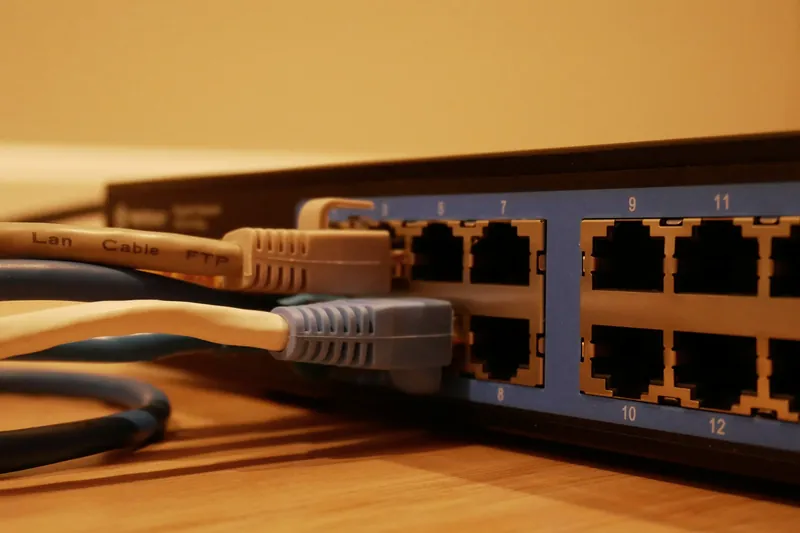
For businesses that run on Wi-Fi
The network you already have, traced, fixed and documented.
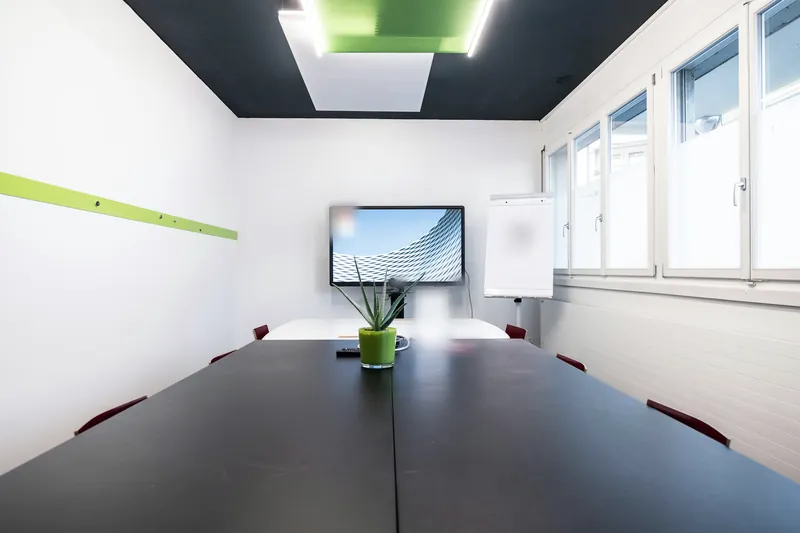
For small sites and refits
Small jobs installed, tested and handed over working.