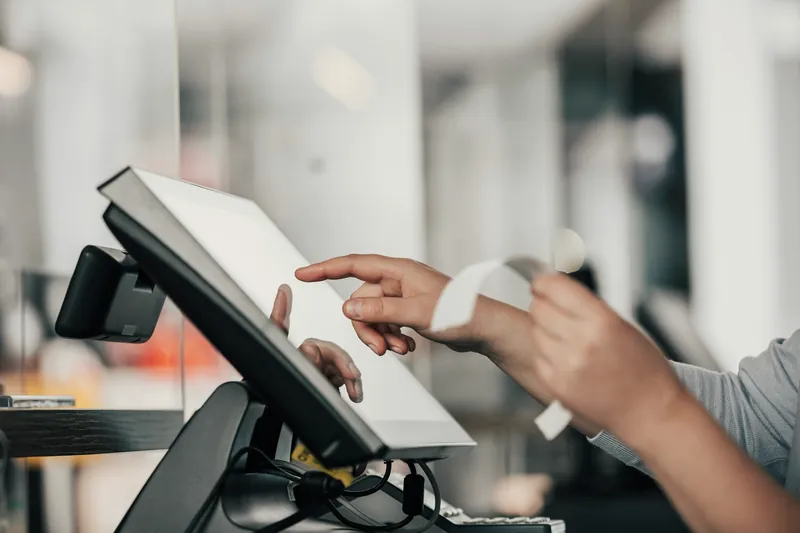
For shops, restaurants and cafes
POS equipment support
Terminals, printers, drawers and scanners talking to each other again.


Service 02 · Computers & printers
Everyday equipment diagnosed at your desk and working again.
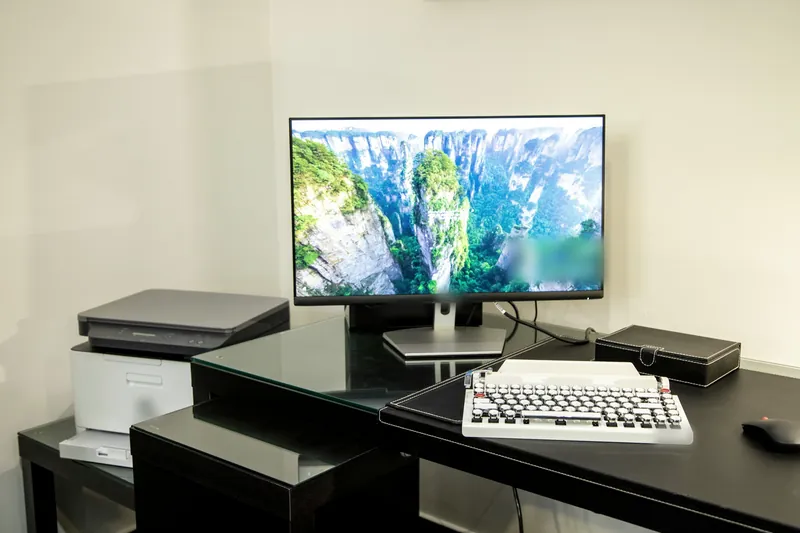
A computer that won't start or a printer that has vanished from the network can stop a whole office. Many of these problems are configuration, driver or connection faults rather than broken hardware. We come to your site, find the cause, fix what can be fixed and tell you plainly what we found. Where a part or device does need replacing, we agree it with you first.
Choose what you're seeing to find out what it usually means and what we do about it.
What it usually means
Power, a failed component, or a problem part-way through starting up.
What we do on site
We check power and hardware, find where it stops, and tell you whether it's a repair or a replacement.
What it usually means
Often too little free space, a failing drive, or software competing for the machine.
What we do on site
We diagnose the cause, fix what can be fixed, and explain what we found.
What it usually means
Usually a network, driver or settings problem rather than a broken printer.
What we do on site
We check the printer, its connection and the computers that print to it.
What it usually means
Often worn parts, the wrong paper or settings, or a cartridge or toner problem.
What we do on site
We clear and check the paper path, test print quality and tell you if a part is worn.
What it usually means
Often a driver, a dock or a port that has stopped working.
What we do on site
We check drivers, cables and docks, and reconnect the device.
What it usually means
A new computer or printer has arrived and needs connecting to your network and devices.
What we do on site
We set it up at the desk, connect it to the right printers and network, and test it.
Computers that won't start, run very slowly or keep showing errors.
Office, label and receipt printers, including network and wireless printers.
Scanners, monitors, docks and keyboards.
Configuration, driver and connection problems.
Set up at someone's desk and tested.
Printers and peripherals linked to the right computers and network.
Often, yes. Offline printers are usually a network, driver or settings problem rather than a broken printer. We check the printer, its connection and the computers that print to it, and tell you what we found.
We don't guarantee data recovery from failed drives. If a drive has failed, we'll tell you what we see and what your options are.
Yes. We set up new or replacement computers and printers you have approved, connect them to the right network and peripherals, and test them at the desk.
Replacement hardware is agreed with you before it is bought or installed, so you always know what's being used and why.
We're an on-site service and don't run a 24/7 help desk. We come to your site to diagnose and fix the problem in person.
For shops, restaurants and cafes
Terminals, printers, drawers and scanners talking to each other again.
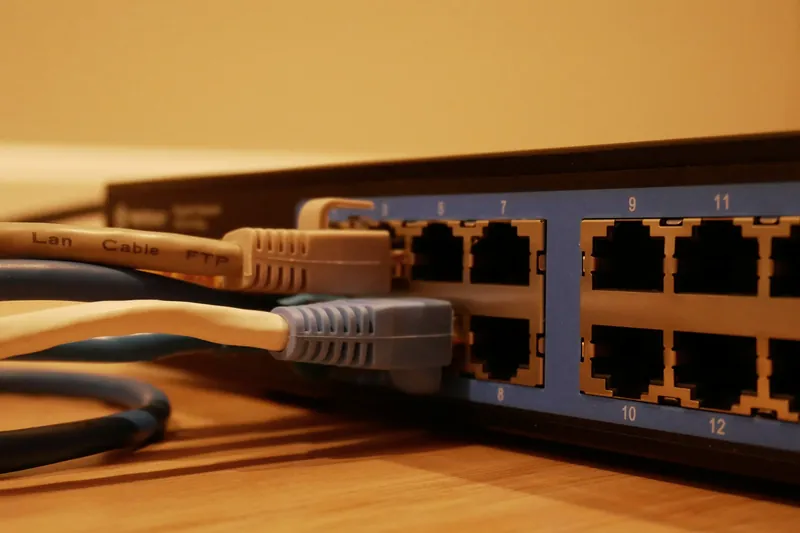
For businesses that run on Wi-Fi
The network you already have, traced, fixed and documented.
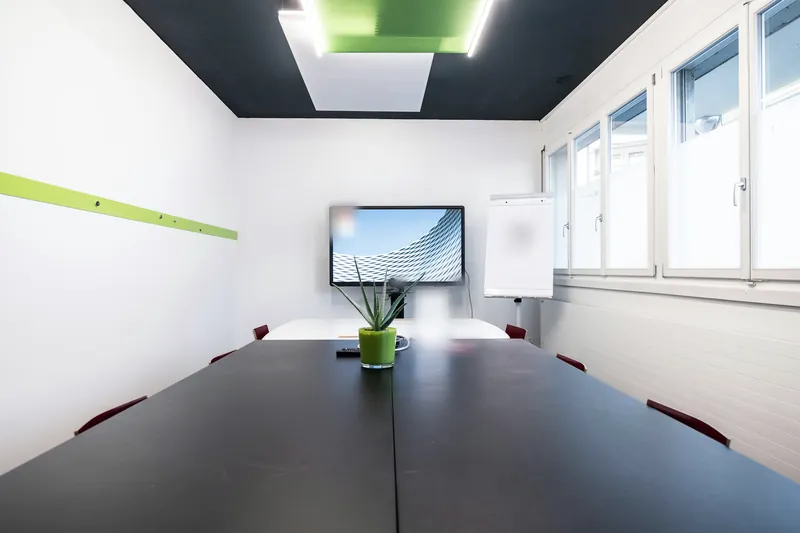
For small sites and refits
Small jobs installed, tested and handed over working.