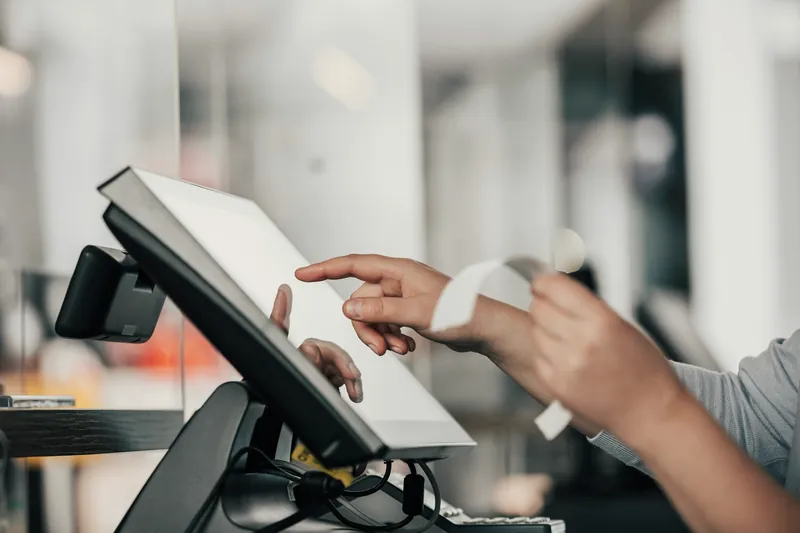
For shops, restaurants and cafes
POS equipment support
Terminals, printers, drawers and scanners talking to each other again.


Service 04 · Installations & signage
Small jobs installed, tested and handed over working.
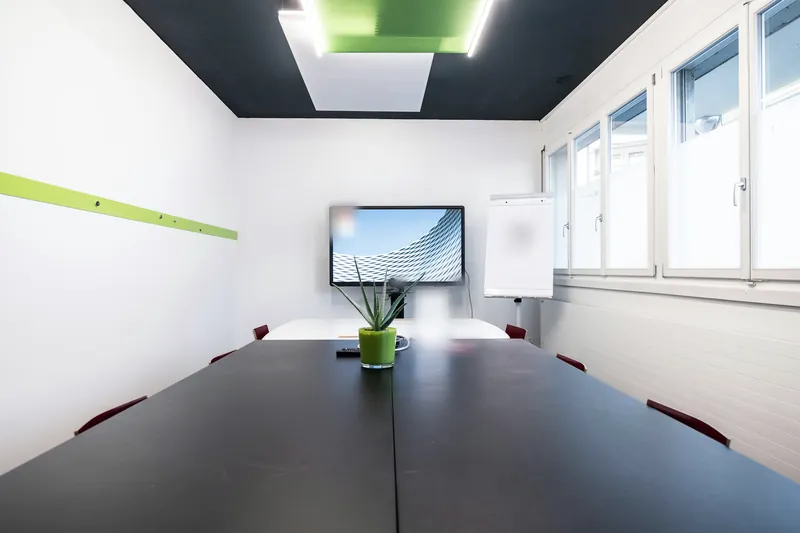
Some jobs are too small for a project team but too fiddly to leave to whoever is free: setting up equipment across a few desks, swapping out failed hardware, or getting a signage screen back on content. We install and test the equipment, coordinate access and timing with your site contact, follow your instructions or your IT provider's, and check everything with you before we leave.
Choose what you're seeing to find out what it usually means and what we do about it.
What it usually means
Boxes for a few desks, a counter or a small site that need installing and testing.
What we do on site
We install, connect and test each device with the people who will use it.
What it usually means
Often the media player, its power or its connection, rather than the screen.
What we do on site
We check the screen, player and connection. Content and signage accounts stay with you or your provider.
What it usually means
An approved replacement is on site and needs fitting.
What we do on site
We remove the failed device, fit and connect the replacement, and test it.
What it usually means
Equipment needs disconnecting, moving and reconnecting.
What we do on site
We plan the order with you, then reconnect and test everything in its new place.
What it usually means
Remote steps have run out and someone has to touch the equipment.
What we do on site
We follow their instructions on site, under their remote direction.
Computers, printers and peripherals across a few desks or a small site.
Failed equipment swapped and tested.
Screens and media players set up and troubleshot.
On-site work under your IT provider's remote direction.
Coordinated with your site contact.
Everything checked with the people who use it.
Small deployments: a few desks, a counter, or a small site. Tell us what's involved and we'll confirm the scope before anything is booked.
Mounting that needs electrical work or structural fixings is arranged separately with a qualified contractor. We connect, set up and test the screen and media player.
Yes. We troubleshoot the screen, the media player and its connection. Changes to the content itself or the signage software account stay with you or your provider.
Yes. We follow your instructions or your IT provider's, and can work under their remote direction while on site.
For shops, restaurants and cafes
Terminals, printers, drawers and scanners talking to each other again.
For small offices and teams
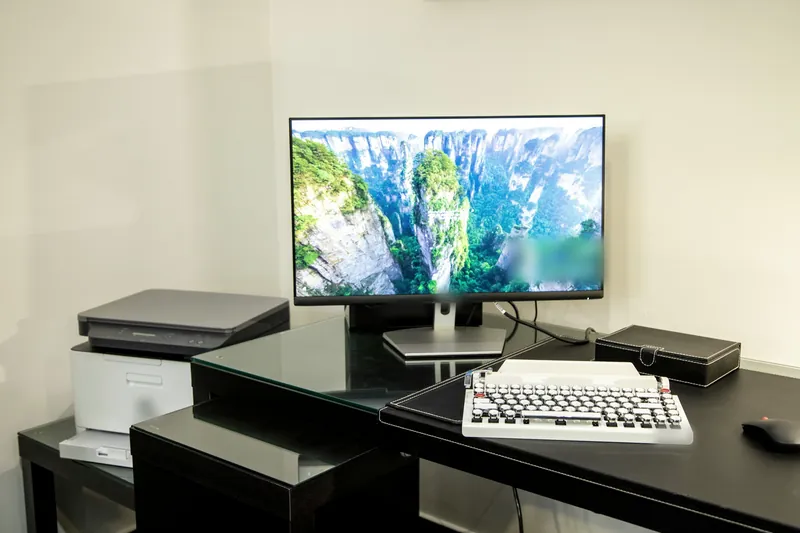
Everyday equipment diagnosed at your desk and working again.
For businesses that run on Wi-Fi
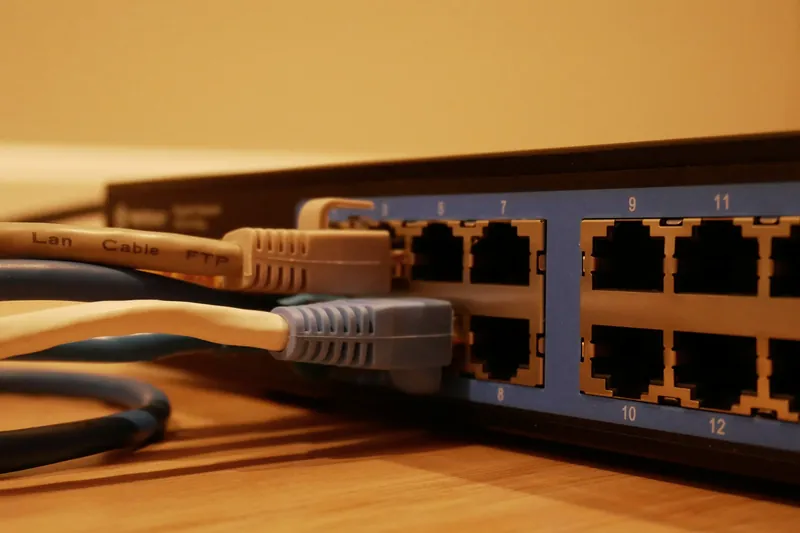
The network you already have, traced, fixed and documented.