

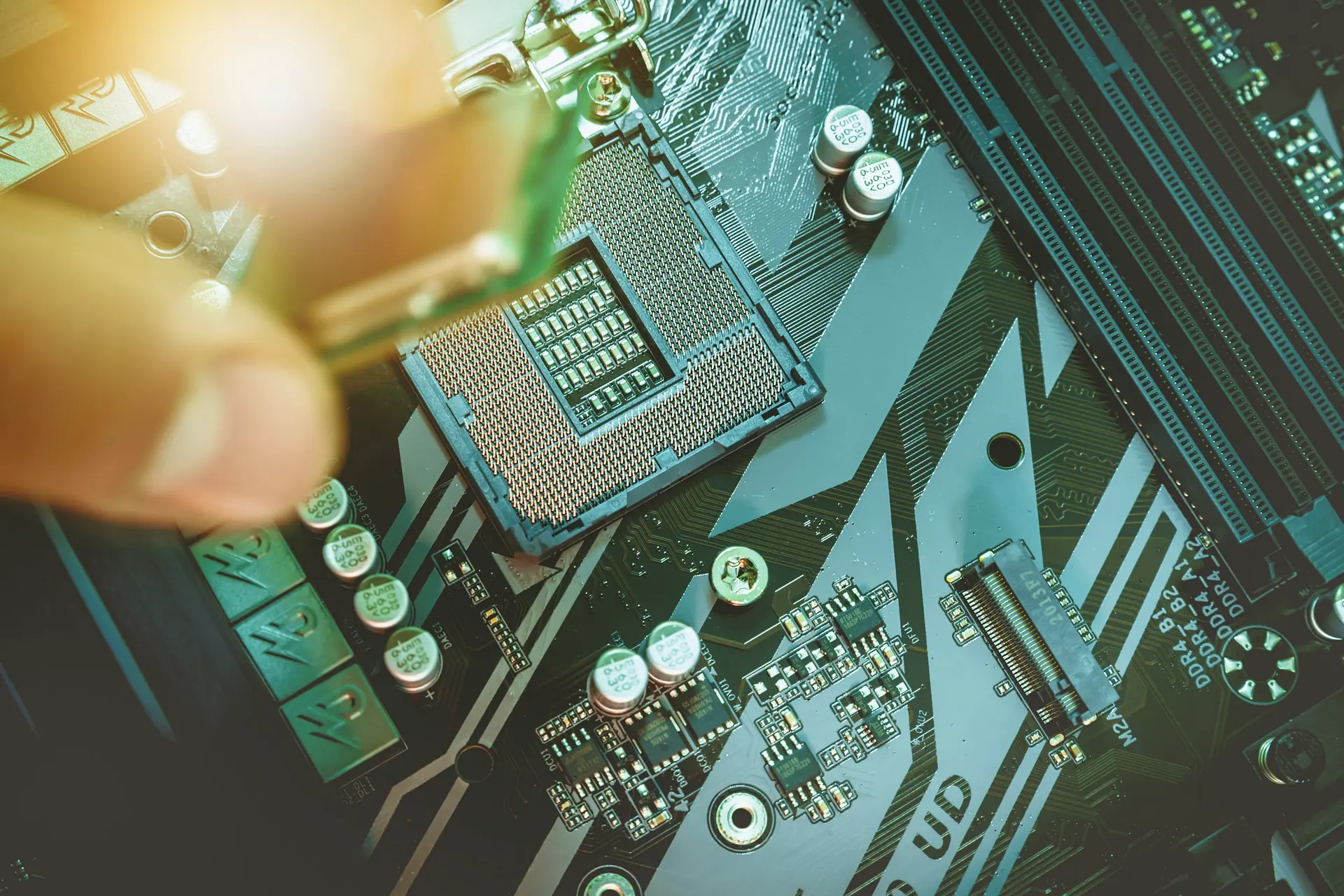
Services
What we can help with, what that usually involves, and where our work stops. If you're not sure which fits, choose 'Something else' on the enquiry form.
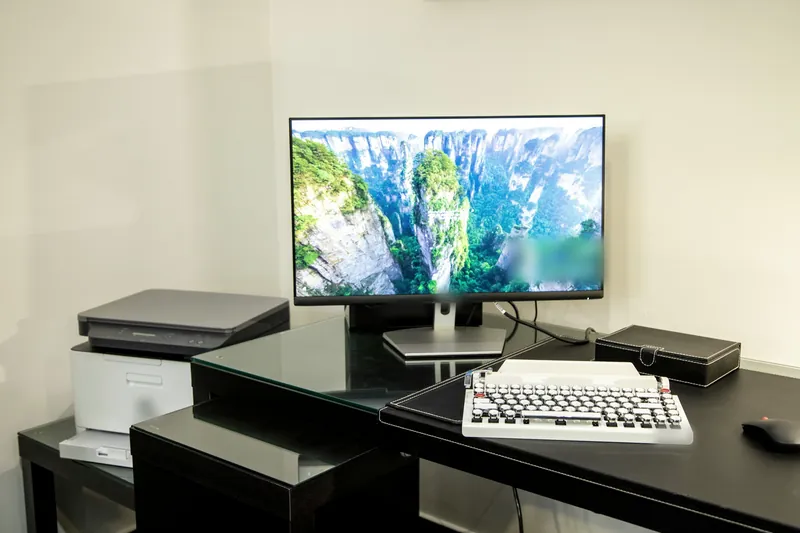
Computers, printers and peripherals
The everyday equipment your team relies on, diagnosed and working again.
Typical problems
- A computer won't start, runs very slowly or keeps showing errors
- A printer won't print, jams, or has dropped off the network
- Scanners, label printers, monitors, docks or keyboards have stopped working
- A new computer or printer needs setting up at someone's desk
How we help
How we help
- Diagnose the fault on site and explain what we found
- Fix configuration, driver and connection problems
- Set up replacement equipment you have approved
- Connect printers and peripherals to the right computers and network
Good to know
Good to know
- We don't guarantee data recovery from failed drives.
- Replacement hardware is agreed with you before it is bought or installed.
- Software licenses and online accounts stay with you or your vendor.
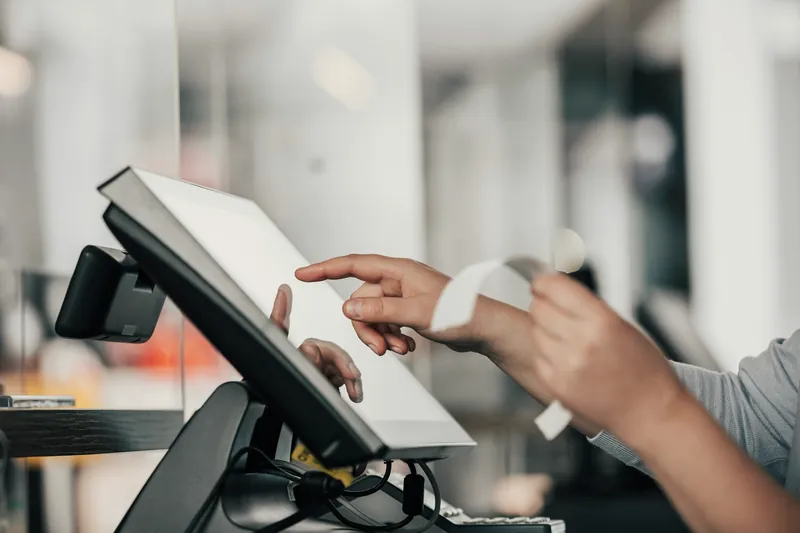
POS and business equipment
Terminals, receipt printers, scanners and the connections around your point-of-sale system.
Typical problems
- A POS terminal, receipt printer, cash drawer or barcode scanner has stopped responding
- Card readers or kitchen printers keep losing their connection
- Equipment needs moving, reconnecting or replacing during a refit
How we help
How we help
- Check the hardware, cabling and network connections around your POS system
- Reconnect and test receipt printers, cash drawers, scanners and kitchen printers
- Work alongside your POS provider's support team while we are on site
- Install approved replacement equipment and test it with your staff
Good to know
Good to know
- Changes to your POS software, menus or payment-processor account stay with your POS provider.
- We don't handle card data or payment credentials.
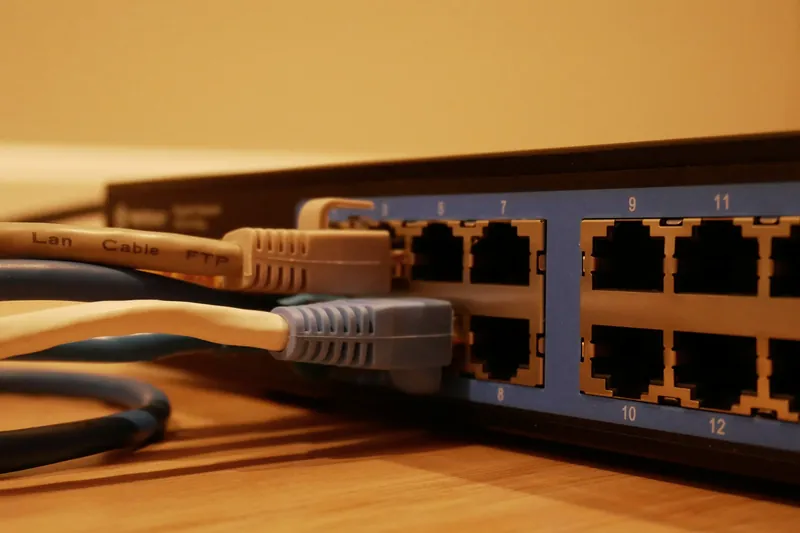
Existing networks and connectivity
Troubleshooting the network you already have, and replacing equipment you approve.
Typical problems
- Wi-Fi is slow, patchy or drops out in part of the building
- Devices can't reach the internet, a printer or each other
- A router, switch or access point has failed or needs replacing
How we help
How we help
- Troubleshoot your existing network equipment and connections
- Replace and configure approved routers, switches and access points
- Work with your internet provider when the fault is on their side
- Leave notes on what we found and what we changed
Good to know
Good to know
- We work on existing networks. We don't install new cabling runs or do electrical work.
- We don't provide managed cybersecurity or security monitoring.
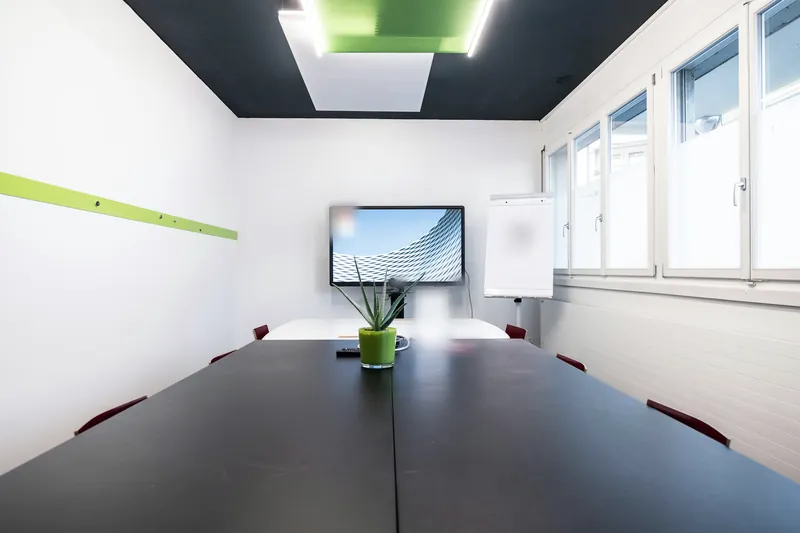
Installations, digital signage and smart-hands
Small deployments, signage screens, and on-site work under remote direction.
Typical problems
- New equipment needs installing and testing across a few desks or a small site
- A digital signage screen or media player isn't showing content
- Your IT provider needs someone on site to follow their instructions
How we help
How we help
- Install and test small deployments of computers, printers and peripherals
- Set up and troubleshoot digital signage screens and media players
- Provide smart-hands support under remote technical direction
- Coordinate access and timing with your site contact
Good to know
Good to know
- Mounting that needs electrical work or structural fixings is arranged separately with a qualified contractor.
- Smart-hands work follows the instructions of your remote technician.
Also from Jendpoint IT Services
The Jendpoint Restaurant Platform
A complete restaurant system for independent restaurants and cafés: counter, kiosk, kitchen and payments, set up by us.